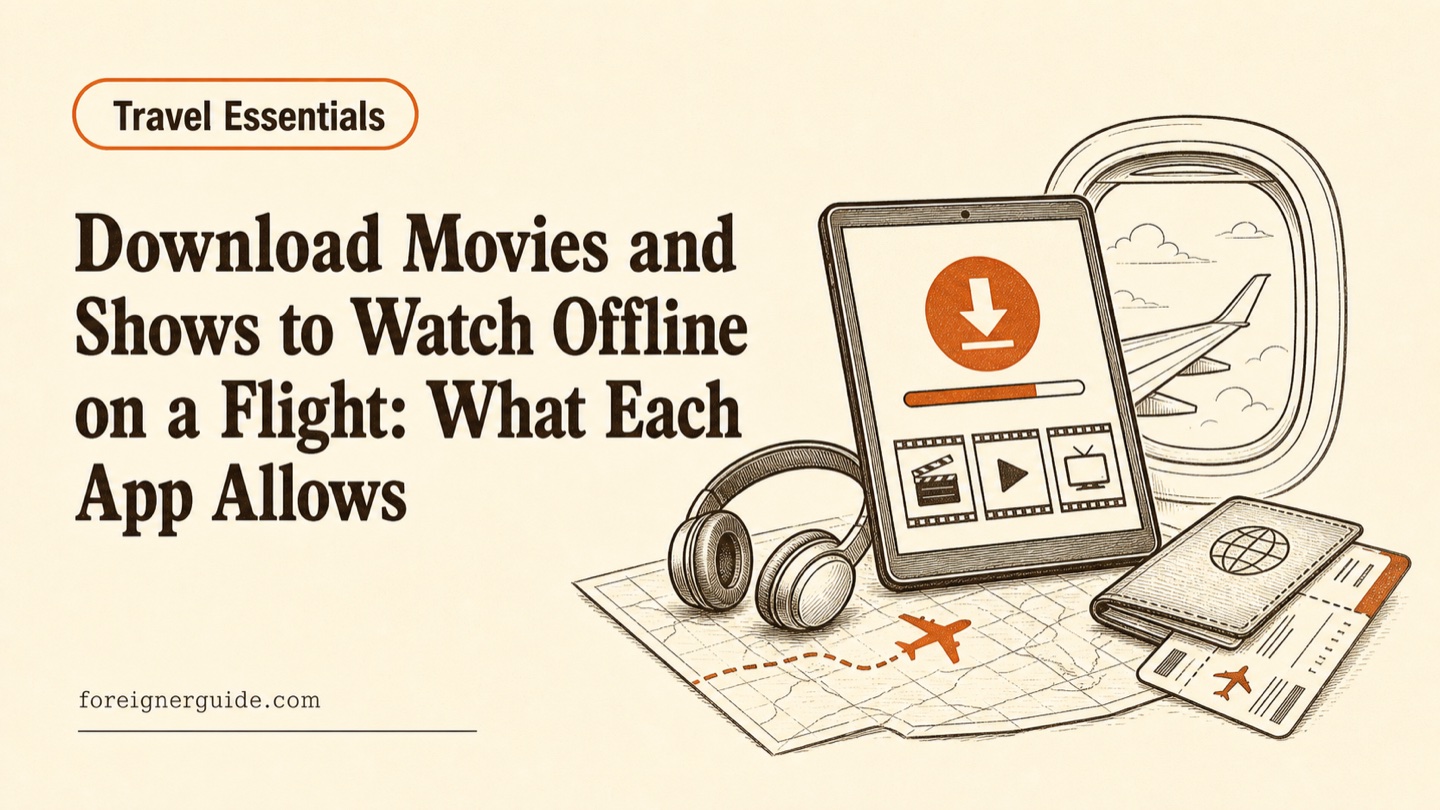
Download Movies and Shows to Watch Offline on a Flight: What Each App Allows
Netflix, Disney+, Prime Video, and YouTube Premium let you save titles offline, but each caps devices and expires downloads. How to prep before your flight.
Table of contents
If you want something to watch on a long flight, download it over Wi-Fi before you leave home. As of July 2026, the major subscription apps - Netflix, Disney+, Amazon Prime Video, and YouTube Premium - all let paying subscribers save titles to a phone or tablet for offline playback, according to each service's official help pages. You cannot download once you are offline, and in-flight Wi-Fi is usually too limited to stream reliably, so the download has to happen on the ground.
This guide covers downloads inside the official streaming apps on phones and tablets, for personal offline viewing on a plane. It does not cover ripping video files, seatback entertainment systems, or ways around a service's device limits.
Downloads have to happen before you go offline
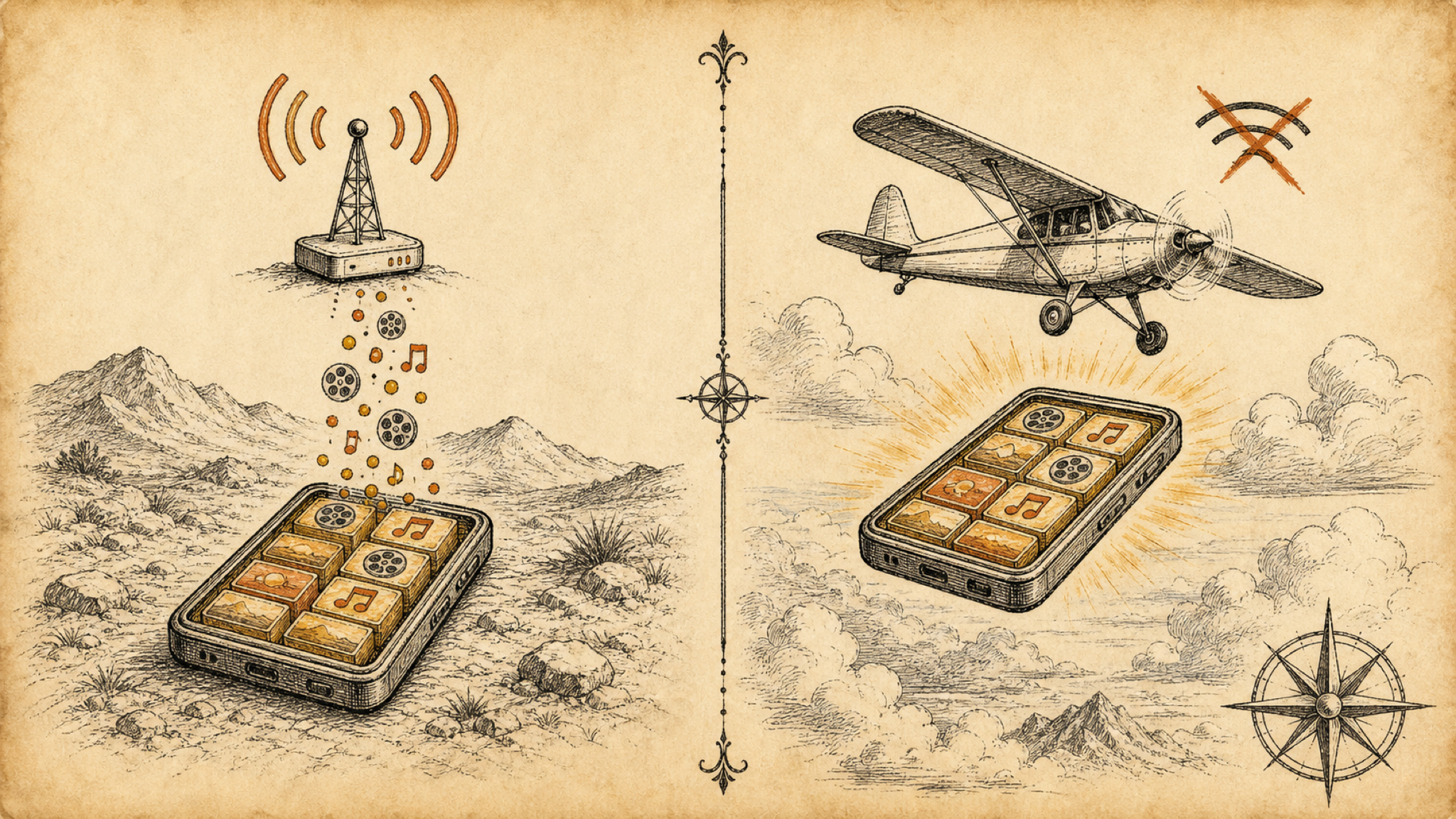
Offline playback works in two steps: the app saves the video file to your device while you are connected to the internet, then plays that file back with no connection. Once your phone is in airplane mode, or you are above the clouds with no signal, the app can only play what is already stored. It cannot fetch anything new.
Two things trip travelers up. Airplane mode switches off both cellular data and Wi-Fi, so there is no way to start a download after takeoff. And even when a flight sells onboard Wi-Fi, that connection is usually meant for email and messaging, and many airlines throttle or block video streaming on it. A file already saved to your device does not depend on any of that.
The practical rule: download at home the night before, over your own Wi-Fi. That also keeps a multi-gigabyte movie off your mobile data or a roaming plan, which matters when you are already watching every travel cost.
Which apps let you save shows for offline viewing?
Most of the big subscription services do, as long as you pay for a qualifying plan and use the mobile app. Netflix's Help Center says downloads work on Android phones and tablets, iPhone and iPad, Amazon Fire tablets, and Google Chromebooks with the Play Store, but not through a web browser on a laptop. Amazon and Disney+'s Help Center describe similar app-based downloads, and Google's YouTube Help covers offline saving for YouTube Premium members.
Device counts and rules differ by service. The table below compares what each one publishes, but confirm it against your own plan, since some ad-supported tiers drop the download feature. Disney+'s Help Center, for example, indicates its cheapest ad tier has not offered downloads in some regions.
| Service | Devices for downloads | Expires if unopened | Finish window after you press play |
|---|---|---|---|
| Netflix | Up to 100 active per device (ad-free); 15 per month (ad tier) | After a set period, varies by title | 48 hours on many titles |
| Amazon Prime Video | Two devices at a time | 30 days | 48 hours |
| Disney+ | Up to 10 mobile devices | Connect online within 30 days | 48 hours |
| YouTube Premium | Mobile devices | Up to 29 days offline | Varies by region |
Treat the numbers as a starting point and check the settings inside your own app, because the rules shift with plan tier, country, and studio licensing on individual titles.
How long do offline downloads last?
Not indefinitely. Every service builds in an expiration so licensed content does not live on your device forever, and there are two separate clocks to watch.
The first clock starts when the download finishes. Amazon's Prime Video usage rules state you typically have 30 days to begin watching after you download a title. Disney+'s Help Center says a download stays valid as long as you remain a subscriber and your device connects to the internet at least once every 30 days. Google's YouTube Help says downloaded videos play offline for up to 29 days before the app wants to reconnect, though it notes some countries allow only 48 hours.
The second clock starts the moment you press play. Amazon and Disney+ both state you then have 48 hours to finish, and Netflix's Help Center notes many popular titles carry the same 48-hour limit once playback begins. For one flight this rarely bites. On a long trip it can: start a series a week before departure, and some episodes may have expired by the time you board. Download close to your travel date, and resist pressing play on everything to test it.
One rule cuts across all of them. Your subscription has to stay active. Amazon's usage rules state that if your membership lapses, downloaded titles stop playing right away, even mid-flight, unless you bought the title outright.
Keeping downloads from filling up your phone
Video files are large. A couple of movies plus a season of television can take several gigabytes, so check space before you start rather than after a download stalls at 90 percent. Most apps offer a download quality setting, commonly labeled Standard and High, where Standard saves room and High looks sharper on a big tablet. On a phone screen at cruising altitude, Standard is usually enough and fits more.
A few habits that help:
- Check free storage first. On iOS, open Settings > General > iPhone Storage; on Android, open Settings > Storage. Clear room before the download, not after.
- Keep downloads on Wi-Fi. Most apps have a "download over Wi-Fi only" toggle in their settings; leave it on so a large file never lands on your cellular plan.
- Pick episodes over whole seasons when space is tight. Three episodes you will actually watch beat a full season you will not.
- Delete as you go. Once you finish something, remove it from the Downloads tab to free space for the trip home.
A quick pre-flight checklist
Set your entertainment up the day before, alongside the rest of your pre-flight preparation. A short run-through:
- Download the night before over home Wi-Fi, then open each app's Downloads section and confirm every title shows a completed status.
- Test in airplane mode on the ground. Turn airplane mode on, open one download, and check that it plays with no connection. Better to catch a problem at home than on the runway.
- Pack the right headphones. Many seatback screens and adapters still use a wired jack, so wireless earbuds may not pair with the plane's own system; your own downloads will play through whatever headphones you bring.
- Charge everything and carry a battery pack. Not every seat has a working outlet, and video drains a battery fast.
Handled the night before, offline downloads turn a long, disconnected flight into the one stretch of a trip where you get to sit still and watch something. The only real work is remembering to do it before you unplug.